Choosing between subdomain and subfolder routing for an independent project blog comes down to search engine optimization versus deployment complexity. A subfolder like example.com/blog concentrates search authority on the primary domain to help the main product rank. A subdomain like blog.example.com completely isolates the blog infrastructure from the main application, which simplifies initial deployment but forces the two addresses to build search presence independently. I always default to subfolders for long-term product growth.
Why do search engines treat subdomains and subfolders differently?
Search engines view subdomains as distinct hosts. The Domain Name System defines a subdomain as a separate entity from the root domain. A root domain is a single web property. A subdomain can be a completely different server, owned by a different department, or running an entirely different software stack.
Because hosting platforms often give subdomains to different users on the same network, search engine crawlers learned to evaluate them separately. Links pointing to your main product do not automatically pass their full ranking power to your blog subdomain. The reverse is also true. If a tutorial on your blog goes viral, the inbound links benefit the subdomain rather than your primary domain.
A subfolder acts as a directory on the existing site. Search engines assign the value of inbound links across the entire domain. An article published in a subfolder directly contributes to the overall authority of the root domain. When a competitor links to your blog post, they are linking to your main product domain.
How do you configure a reverse proxy for subfolder routing?

Routing a separate blog platform through a subfolder requires a reverse proxy. The main application server intercepts all incoming traffic. If a request path starts with /blog, the server forwards it to the blog hosting provider. If the path does not match, the server processes the request normally.
When I configure a reverse proxy in Nginx, I define a location block for the subfolder. The proxy_pass directive tells Nginx where to fetch the blog content. I also pass the correct host headers so the blog platform knows how to format its internal links. Without the Host and X-Forwarded-Proto headers, the blog might try to load images from the internal server IP address instead of the public domain.
If I host a main site on Vercel or Netlify, I write rewrite rules instead of Nginx blocks. A next.config.js file maps the /blog path to an external URL using the rewrites() function. The hosting provider handles the proxying automatically at the edge network layer.
The blog platform itself needs configuration to understand its new URL structure. Ghost requires the site URL to be set to the exact subfolder path in its configuration file. WordPress requires updates to the WP_HOME and WP_SITEURL constants in the wp-config.php file. If you miss this step, the platform generates links pointing to the root of its own server, resulting in broken stylesheets and missing images.
I always test trailing slashes carefully. Trailing slashes often cause infinite redirect loops between the reverse proxy and the blog platform. If a Next.js application strips the trailing slash but WordPress forces it, the browser gets caught bouncing between the two servers. Pick one convention and enforce it strictly at the proxy level.
When does a subdomain make sense for an independent project?
A subdomain makes sense when technical constraints prevent reverse proxying. Some cloud providers or strict security architectures make it difficult to route specific traffic paths to external services. If your main application is a static site exported to an AWS S3 bucket, you cannot run a reverse proxy without adding CloudFront or an API Gateway. Pointing a DNS CNAME record to a managed Ghost instance takes two minutes.
A subdomain also fits when the blog covers an entirely different topic than the main product. If the audiences do not overlap, sharing search authority matters less. A company building database software might host a separate blog about company culture on a subdomain.
For most indie makers and small sites, the primary goal of writing is to drive traffic to the product. The technical convenience of a subdomain rarely outweighs the search benefits of a subfolder. If your main application can handle proxy rules, the subfolder is the better long-term choice.
How does routing affect internal linking and user sessions?
Internal linking changes depending on the routing setup. With a subfolder, internal linking relies on straightforward relative paths. An anchor tag pointing to /blog/article-name works perfectly. The browser resolves this relative to the current domain.
With a subdomain, links from the application to the blog must be absolute URLs, including the full https://blog.example.com prefix. This creates friction when I move components between staging and production environments. I have to use environment variables to ensure the links point to the correct subdomain for each environment.
Navigation menus become complex across subdomains. If a user clicks a link to a pricing page from the blog subdomain, they leave the blog environment and enter the app environment. If the user is logged into the application, their session cookies are restricted by the browser. Cookies set on example.com are not automatically available on blog.example.com unless I explicitly configure the cookie domain attribute to include subdomains.
A subfolder bypasses cross-origin cookie restrictions entirely. The blog and the application share the same origin. Authenticated sessions remain valid across both properties, allowing me to show a logged-in user a customized navigation bar even while they read a blog post.
What is the impact on search console data and keyword targeting?
Search engine data accumulates differently depending on the routing choice. Google Search Console treats a subdomain as a completely separate property. I have to verify it independently using a separate DNS TXT record or HTML file upload. This splits the data. I end up looking at two different dashboards to understand the total web traffic.
A subfolder keeps all data in one unified property. This view shows exactly how blog traffic flows into product pages. It provides a single source of truth for keyword performance across the entire domain, making it easier to track which technical tutorials actually lead to user signups.
Finding content gaps requires having all data in one place. I open the performance report, filter by exact queries, and find terms where the main domain ranks at position 8 through 20. These are topics where the site already has traction but sits on page two of the search results. Writing new articles targeting those exact terms pushes them to page one.
AmplifySignal pulls this specific keyword data directly from your Google Search Console to automatically draft and schedule articles against those high-potential terms. Concentrating this published content in a subfolder ensures the resulting search traffic directly benefits the main domain authority.
Can you migrate from a subdomain to a subfolder later?
You can move a blog from a subdomain to a subfolder at any time. The process requires setting up the reverse proxy and creating permanent 301 redirects from every old URL to the new subfolder URL.
Search engines take weeks to process site-wide redirects. Traffic often drops temporarily while crawlers update their indexes and re-evaluate the new URL structure. You must leave the redirects active permanently on the old subdomain to avoid breaking existing inbound links from other websites.
It is far better to start with a subfolder. If you must start with a subdomain to launch the project quickly, plan the migration for a period when a temporary traffic dip will not hurt your business goals. Document all existing URLs before moving to ensure your redirect map covers every published post.
How does routing affect automated publishing and distribution?
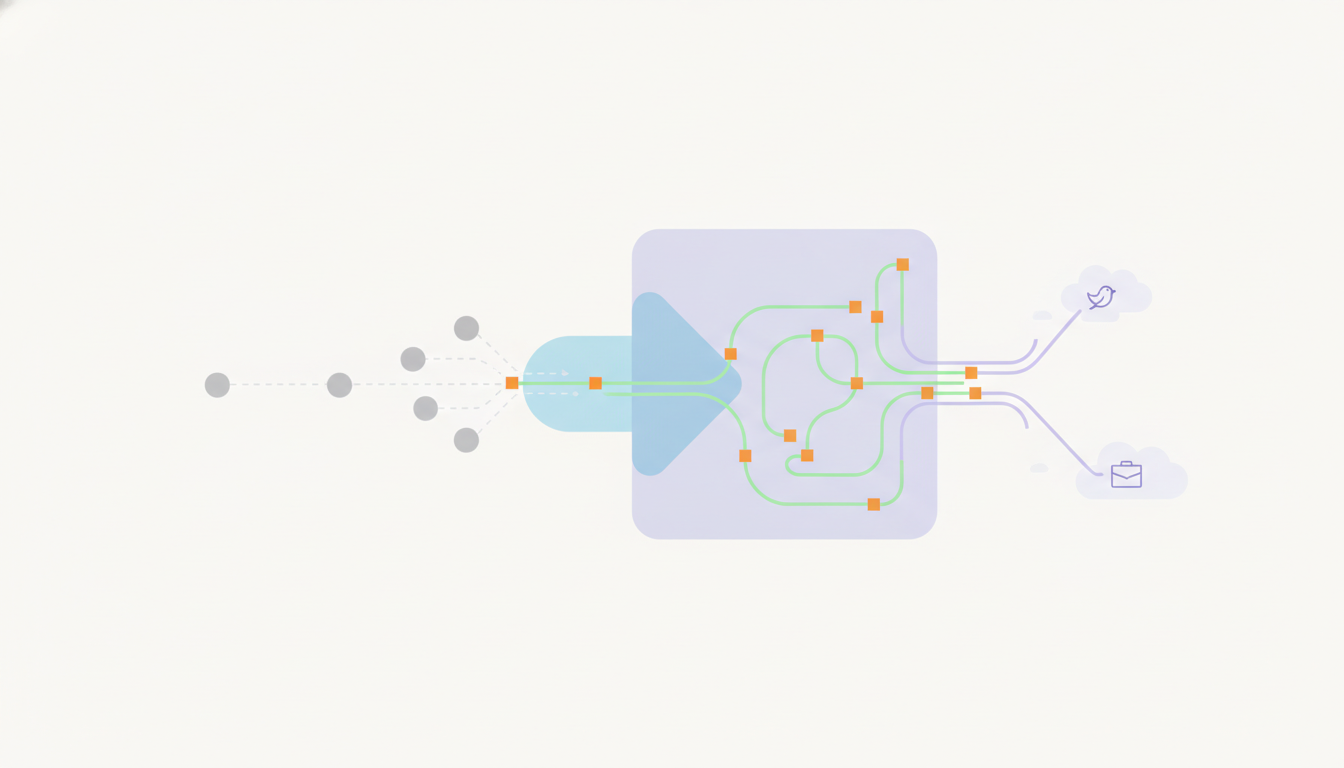
Your routing choice determines the canonical URLs you distribute to social networks. When an article publishes, the resulting link needs to point to the final public destination to avoid redirect chains.
Automated publishing systems must know the exact final URL structure. If you draft a post in a headless WordPress instance, but serve it through a reverse proxy on your main domain, the publishing system must generate the social links using the main domain URL. If it posts the internal backend link, visitors bypass your main site entirely or hit a private server error.
You want every click from LinkedIn or Bluesky to land directly on your primary domain. This setup dictates how you configure your outbound links, which you can explore in setting up blog post to Bluesky and LinkedIn automation. If you handle networks like Mastodon manually, you still need the correct final URL injected into your composer.
What happens if the reverse proxy fails during publishing?
Routing adds a specific point of failure to your infrastructure. If your reverse proxy goes down or the server runs out of memory, your blog disappears from the internet even if the underlying blog platform remains online.
This causes problems for scheduled posts. If an automated system tries to publish an article and verify the live URL while the proxy is misconfigured, the verification will fail. The system needs to know how to pause and try again later. This is exactly why implementing exponential backoff strategies for failed publishing webhooks prevents posts from dropping into a failed state permanently.
You must also verify the proxy output before the public sees it. A routing error might cause CSS files to fail to load, creating pages that are technically live but unreadable. Catching these errors requires a buffer between drafting and live distribution. Setting up this buffer is covered in avoiding the mistake of publishing straight to production without a review hold, which saves you from sharing broken pages to your social feeds.
To automate the process of drafting articles against your search console data and publishing them to your domain, run your site on AmplifySignal.