Evaluating web intent links vs authenticated APIs for manual social sharing comes down to platform rules and developer overhead. Authenticated APIs use OAuth tokens to push content silently from a server. Web intent links construct a URL that opens a social network's composer in the browser with prefilled text. APIs support full scheduled automation, while intent links require a human to click publish but completely bypass developer API access restrictions.
What is an authenticated API for social sharing?

An authenticated API allows a server to create a post on behalf of a user without their active presence. You register a developer application with the social network and guide the user through an OAuth 2.0 flow. You redirect the user to the platform's authorization URL with your client ID. The user logs in and approves your requested scopes, such as posting permissions. The platform redirects them back to your server with a short-lived authorization code.
Your server exchanges this code for an access token and a refresh token. You encrypt these tokens at rest in your database. Every time your background job runs, it reads the token, checks the expiration timestamp, and includes the valid token in an HTTP POST request to the network's API endpoints.
This method requires constant maintenance. Rate limits apply to your developer account, meaning a spike in usage can block all your users from publishing. You have to handle network timeouts and server errors gracefully. I wrote about implementing exponential backoff strategies for failed publishing webhooks to manage these exact API failures. Despite the overhead, authenticated APIs are necessary for background scheduling.
How do web intent links work for manual sharing?
Web intent links rely on standard URL routing instead of background server communication. You take the text you want to share, encode it for a URL, and append it to a specific route provided by the social network. When a user clicks this link, their browser navigates to the platform.
If the user is logged in, the platform reads the URL parameters and drops the text directly into a new post composer. The user sees exactly what will be posted. They can edit the text, attach an image manually, and then click the publish button.
This shifts the publishing action from your server to the user's browser session. Your application never touches their credentials. You do not need to register a developer app, manage API keys, or write logic to refresh access tokens. The platform treats the action exactly like a user typing a post from scratch.
Why restrict some platforms to manual composer links?
Social networks often restrict API access to protect their data or push developers toward paid tiers. Twitter changed its API structure to require expensive monthly subscriptions for automated publishing. Threads launched with a closed API and only recently began opening it up to developers with strict approval processes.
Mastodon presents a different technical hurdle because it is a federated network. A user might belong to one instance, while another belongs to a completely different server. To use an authenticated API, you would need to register a separate developer application on every single instance your users belong to, or dynamically register apps on the fly. Both approaches add significant server complexity.
Web intent links solve these access problems. Because the user posts from their own logged-in browser state, the platform's anti-spam and rate-limiting rules apply directly to the user account. You completely bypass the need for an approved developer key.
How do you format intent URLs in code?
Building a web intent link requires encoding your text so it does not break the URL structure. A standard newline character in your text must be encoded as %0A to render as a line break in the composer. The hashtag symbol is a reserved character in URLs, used to denote a fragment identifier. If you do not encode it as %23, the browser ignores everything after the hash, and the intent link drops the rest of your post. In JavaScript, you pass your drafted post text through the encodeURIComponent() function to handle these conversions safely.
For X, the base URL is https://twitter.com/intent/tweet. You append your encoded text using the text parameter. If your text is "Reading a new post", the final URL becomes https://twitter.com/intent/tweet?text=Reading%20a%20new%20post.
Threads uses a similar structure. The base URL is https://www.threads.net/intent/post. You append the encoded string to the text parameter. A link looks like https://www.threads.net/intent/post?text=Reading%20a%20new%20post.
Mastodon requires you to know the specific domain where the user is registered. The standard share endpoint is /share. Discovering the instance URL adds a step to your application logic. Your database must store a user preference for their specific Mastodon domain. When generating the link, your code fetches that domain and concatenates it. If a user is on mastodon.social, the URL is https://mastodon.social/share?text=Reading%20a%20new%20post.
When should you use authenticated APIs over intent links?
You need authenticated APIs when the user is not present at the moment of publishing. If you are building a tool that schedules content for the future, intent links cannot do the job. A scheduled intent link is just a URL sitting in a database waiting for a physical click.
APIs also allow you to attach rich media automatically. Uploading an image via an API usually requires two steps. First, you send the binary image data to a media endpoint, which returns a media ID. Then, you include that media ID in the JSON payload when you publish the text post. Web intent links generally do not support image attachments through URL parameters. The user has to drag and drop the image into the composer themselves after the link opens in their browser.
If a platform offers an accessible API for publishing, it provides a better experience for scheduled automation. This is why I detailed setting up blog post to Bluesky and LinkedIn automation using their respective APIs. They allow direct publishing without exorbitant fees.
How do you combine both methods in a publishing workflow?
A hybrid publishing workflow routes scheduled background posts through APIs while generating manual composer links for restricted networks.
When an article goes live, your server immediately triggers the API requests for networks that allow direct access. For the other networks, your server drafts the specific social posts, encodes them, and generates the intent URLs. You then present these links to the user in a dashboard or send them in an email notification. The user clicks the link, reviews the prefilled text, and clicks post.
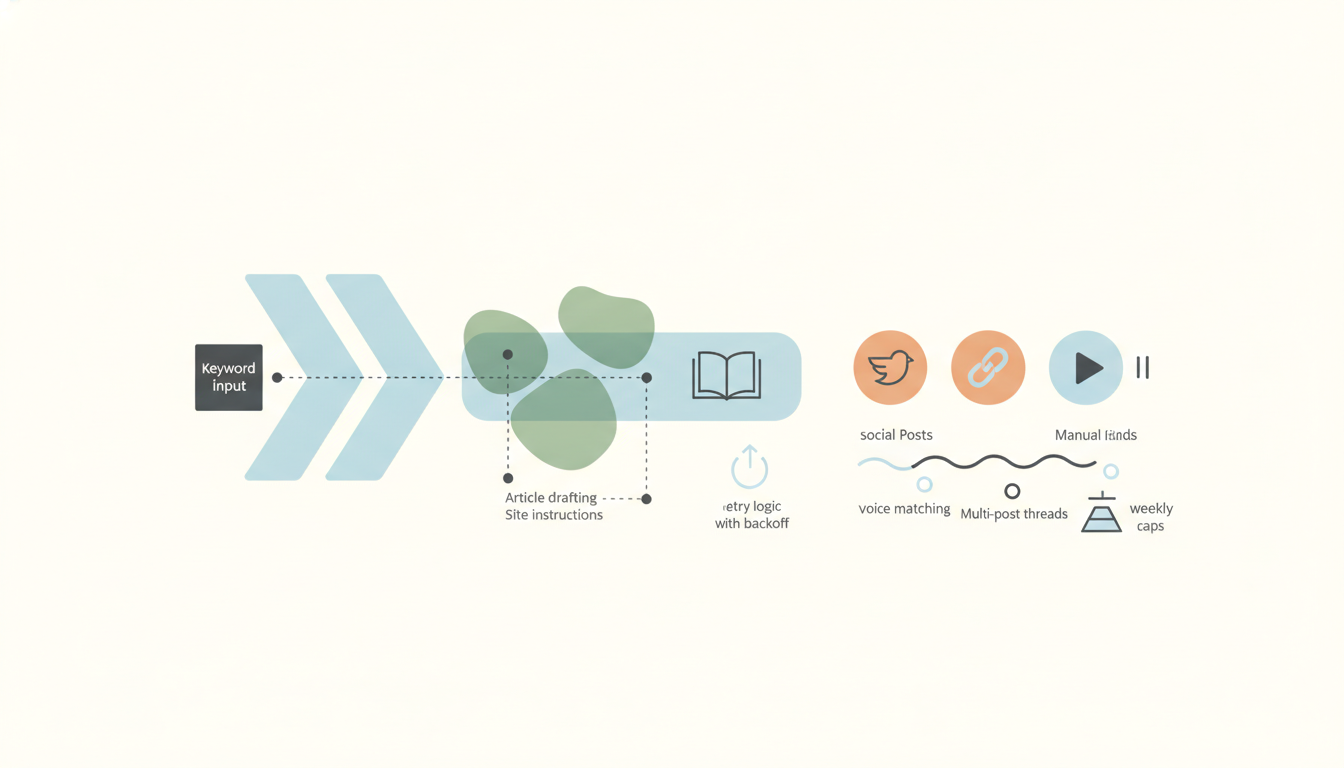
This is exactly how AmplifySignal handles the split. After drafting an article from search data, it schedules the post in your content management system. Once published, the automated posts go out to Bluesky and LinkedIn via API. For X, Threads, and Mastodon, the drafted posts are handed over as prefilled composer links for manual review.
What are the trade-offs in user experience?
The primary trade-off is manual friction versus setup complexity. Authenticated APIs require a heavy initial setup from the user. They have to click through an authorization screen, understand the permissions they are granting, and occasionally re-authenticate when access tokens expire. Once set up, the ongoing manual friction is zero.
Web intent links have zero initial setup. The user never authorizes your application. However, the ongoing friction is high. Every single post requires manual intervention. If you generate five posts a week, the user has to click five links and hit the publish button five times.
This manual friction changes how you format the content. When a user has to click publish manually, they have a chance to edit. You can leave placeholders in the intent link text for them to fill in, or let them tag other accounts manually. If you want to structure those drafts programmatically, read about how to automatically turn blog posts into social media posts to format the text before encoding it.
How do you manage text limits across different methods?
You manage text limits by validating character counts on your server before making an API request, and truncating text before encoding it into a web intent link.
Every platform enforces strict character limits. When using an API, the server rejects your payload with a 400 Bad Request error if the text is too long. Your background job fails, and you have to alert the user.
Web intent links handle length limits differently. If you send 500 characters to an intent link for a platform that only allows 280, the browser still opens the composer. The text populates, but the platform's own interface turns red and disables the publish button until the user manually deletes the extra characters.
This means you still need server-side truncation before generating the intent link. You write a function that measures the text, trims it to the platform's exact limit, and appends an ellipsis before running it through the URL encoder.
How do you track successful posts?
Tracking success requires reading the HTTP status code returned by an API, whereas web intent links offer no tracking mechanism at all.
Tracking success with an authenticated API is straightforward. The API responds with a 201 status code and returns the ID or URL of the newly created post. You can store this ID in your database to prove the post went live, or use it to construct a direct link to the published content.
Tracking success with a web intent link is impossible from the server side. Once the user clicks the link and leaves your application, you have no way of knowing if they actually clicked the publish button on the social network. They might have closed the tab, or edited the text completely.
If your application relies on knowing whether a post was actually published, intent links will create a blind spot. You have to assume the post was made once the link is clicked, or build a separate polling feature to search the user's public feed later.
Matching the delivery method to the network
Balancing automation with platform constraints requires matching the right delivery method to the right network. For scheduling and zero-touch publishing, authenticated APIs are required. For closed platforms or federated networks, web intent links provide a reliable manual alternative. If you want to put your own site on a blog autopilot that manages both APIs and intent links for you, run AmplifySignal.